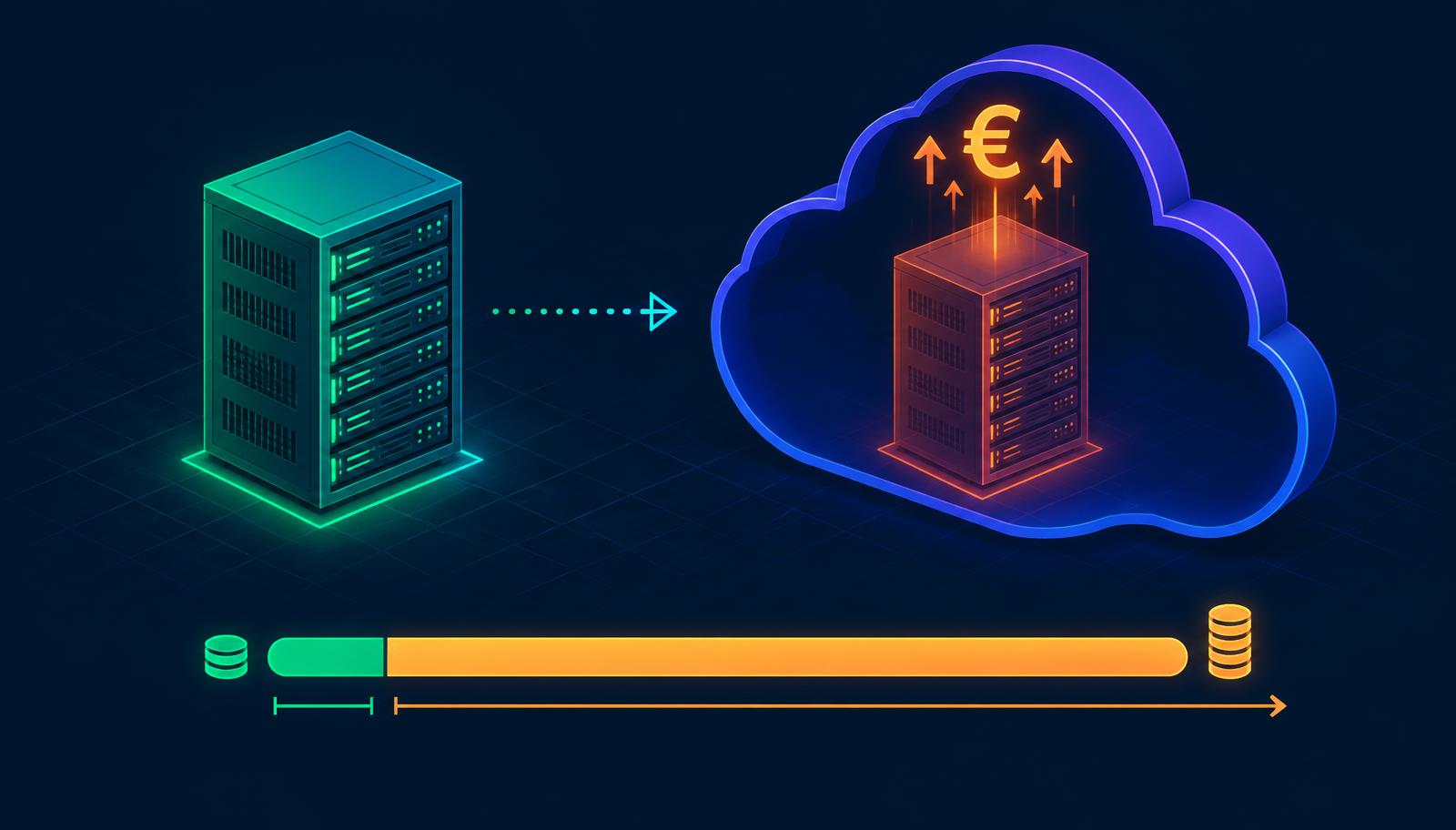
Why cloud migration without capacity optimization compounds the cost
The case for moving SQL Server workloads to the cloud is real. Operational flexibility, reduced hardware management, potential for elastic scaling, alignment with broader Azure or AWS strategies.
But there's a version of cloud migration that makes every SQL Server cost problem significantly worse. It's called lift-and-shift. And it's the default approach for most organizations under time pressure.
What lift-and-shift actually does
Lift-and-shift is exactly what it sounds like: take the existing on-premises SQL Server configuration — virtual machine size, core count, RAM, instance configuration — and reproduce it in the cloud. The workload moves. The configuration stays the same.
This approach has genuine advantages. Migration risk is lower. The timeline is shorter. Application compatibility testing is simpler because the environment is functionally identical.
What it does not fix: any capacity decision that was wrong or outdated at the time of migration. An on-premises environment running at 25% average CPU with 64 licensed cores becomes a cloud VM running at 25% average CPU — now charged hourly, monthly, or through reserved capacity commitments — with the same unnecessary core count.
On-premises, unnecessary cores are a fixed annual cost. In the cloud, unnecessary cores become a recurring, compounding cost that grows with every price adjustment from the cloud provider.
The cloud multiplier effect
On-premises SQL Server licensing is sold as a perpetual or annual cost. It's painful when you're overprovisioned, but the magnitude is bounded.
In Azure, SQL Server on IaaS (Azure Virtual Machines) is licensed either through bring-your-own-license (BYOL) arrangements or through pay-as-you-go Azure pricing. Pay-as-you-go SQL Server Enterprise on a representative large Azure VM configuration runs at rates that make on-premises overprovisioning look modest by comparison.
The organizations that experience the sharpest budget shock after cloud migration are those who moved overprovisioned on-premises environments to pay-as-you-go cloud configurations without right-sizing. The overprovisioning that cost €200,000 per year on-premises may cost €350,000 per year in equivalent cloud configuration.
Lift-and-shift didn't solve the problem. It moved it — and billed it differently.
The right approach to cloud migration cost control
The correct sequence for SQL Server cloud migration is not: move first, optimize later. It is: analyze first, move to the right size, and then optimize for cloud-specific pricing mechanisms.
The analysis phase requires the same workload characterization that any capacity optimization requires: peak demand profiling, parallelism-aware capacity modeling, hardware benchmark comparison. In a cloud context, the additional question is which VM family and SKU most efficiently matches the workload's actual resource profile — a question that requires understanding both the workload requirements and the cloud pricing structure.
SQL Governor supports this analysis for Azure IaaS and PaaS environments. The output is a recommended cloud configuration — not just a right-sized core count, but a specific VM configuration recommendation — backed by actual workload data.
The organizations getting this right
The organizations managing SQL Server cloud migration costs effectively share a common approach: they treat migration as a capacity optimization project, not just an infrastructure project.
They analyze workload demand before specifying the target configuration. They compare reserved capacity pricing against on-demand pricing based on actual predicted utilization patterns. They build the right-sized environment in the cloud and validate it against actual workload behavior before decommissioning on-premises capacity.
This takes more time than lift-and-shift. It typically delivers 30–50% lower ongoing cloud cost compared to direct configuration replication.
In an environment where cloud costs tend to grow 20–30% year-over-year without active management, starting from a right-sized baseline is the most effective lever available.
A practical note
If you have already completed a lift-and-shift cloud migration without right-sizing analysis: the correction is possible, but requires stopping and reversing some decisions. Cloud environments can be downsized — but it requires a clear workload analysis to do safely, and a willingness to do migration work that you may have assumed you were done with.
If you are about to undertake a cloud migration: the analysis investment pays back in year one. Do it before you specify the target, not after you've committed to a VM size and reserved capacity contract.
The cloud does not forgive overprovisioning. It charges for it, monthly, indefinitely.

Timo Lindström
CEO, SQL Governor